
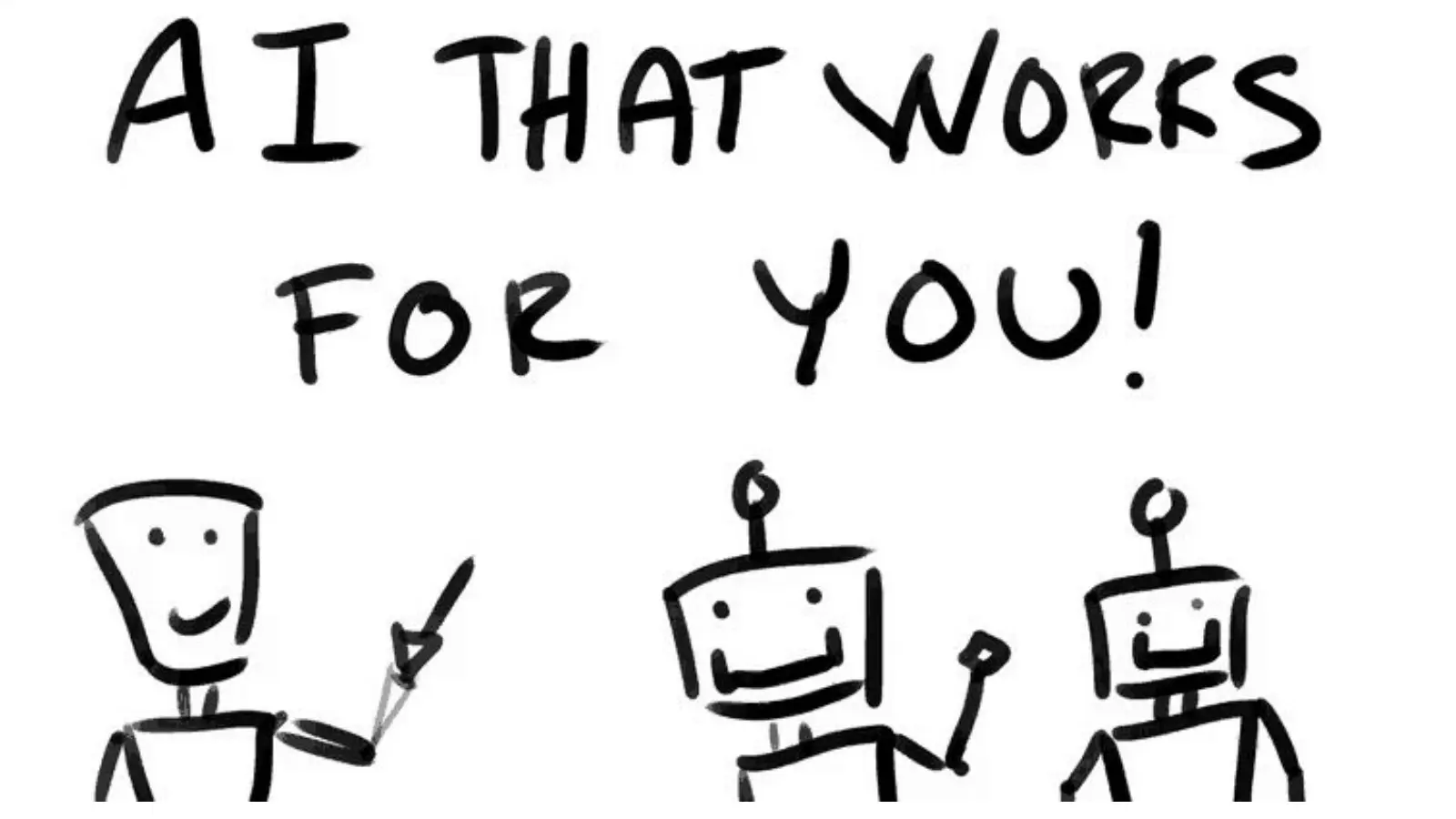
I gave this talk to the Rotary Club of Kirkwood as a practical introduction to the AI tools people were already hearing about. The goal was not to make everyone an AI expert. It was to help them understand what they could use today and give them a better way to evaluate what came next.
Start with the person, not the product
I opened by asking people who they were, what organization they represented, and what they hoped to get from the talk. That gave me a quick read on the room and made the presentation responsive instead of treating the audience as a row of empty chairs.
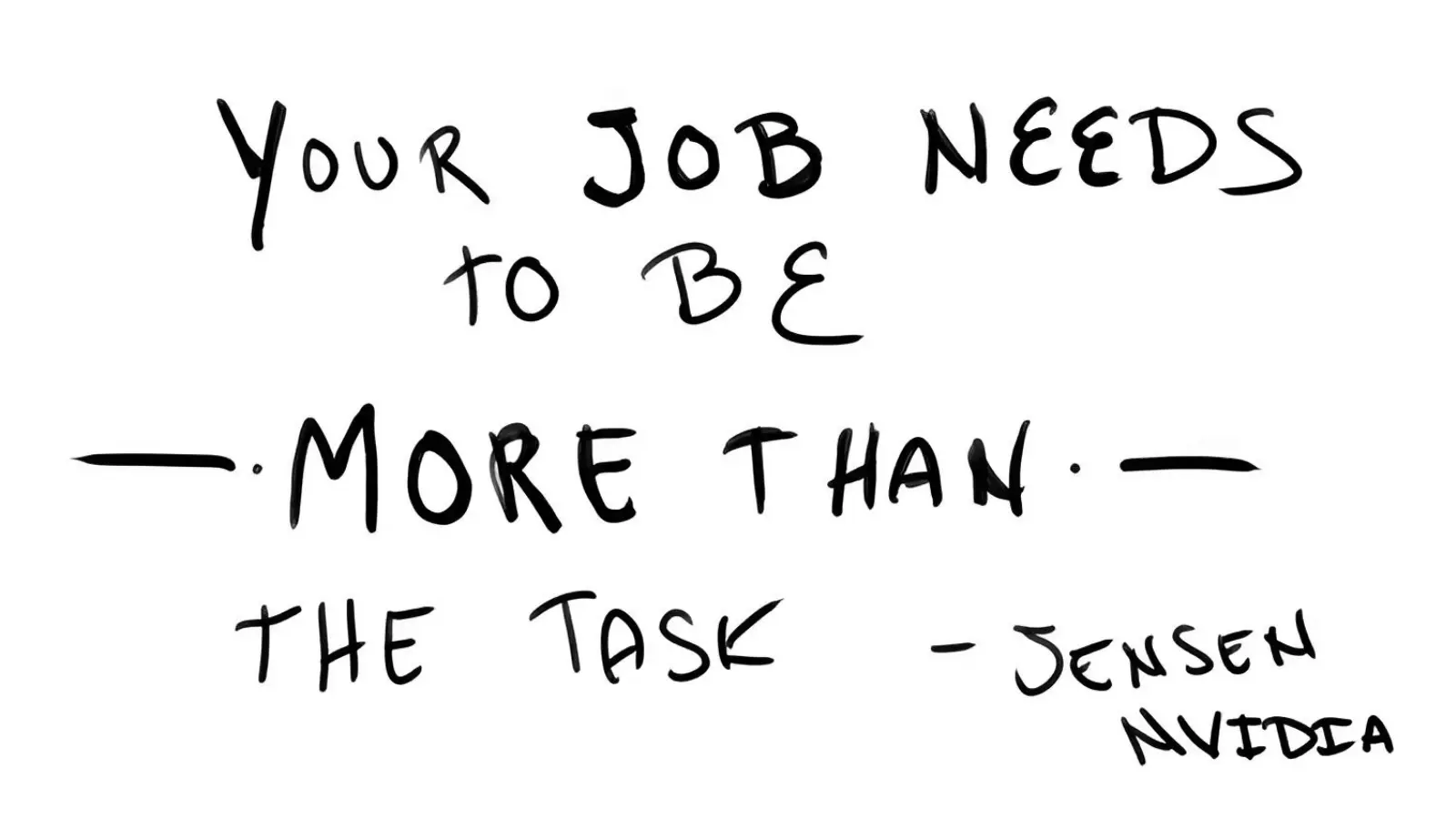
The useful question is not whether AI can perform a task. It is what remains valuable about the person’s judgment, context, relationships, and responsibility.
One of the first ideas I introduced was that a job needs to be more than its individual tasks. AI can change how a task gets done, but the job also contains judgment, trust, accumulated context, responsibility, and the ability to recognize when the output does not make sense.
Use LLMs as the doorway
Large language models were the easiest place to begin because most people could open ChatGPT or another chat interface on a phone or computer. I explained the basic loop—training data, an algorithmic model, user input, and a generated response—without turning the talk into a machine-learning lecture.
From there I could widen the picture. A person can type or speak to a model. The model can work with images, code, documents, current information, and other systems. The chat window is only the front door.
Thinking with AI
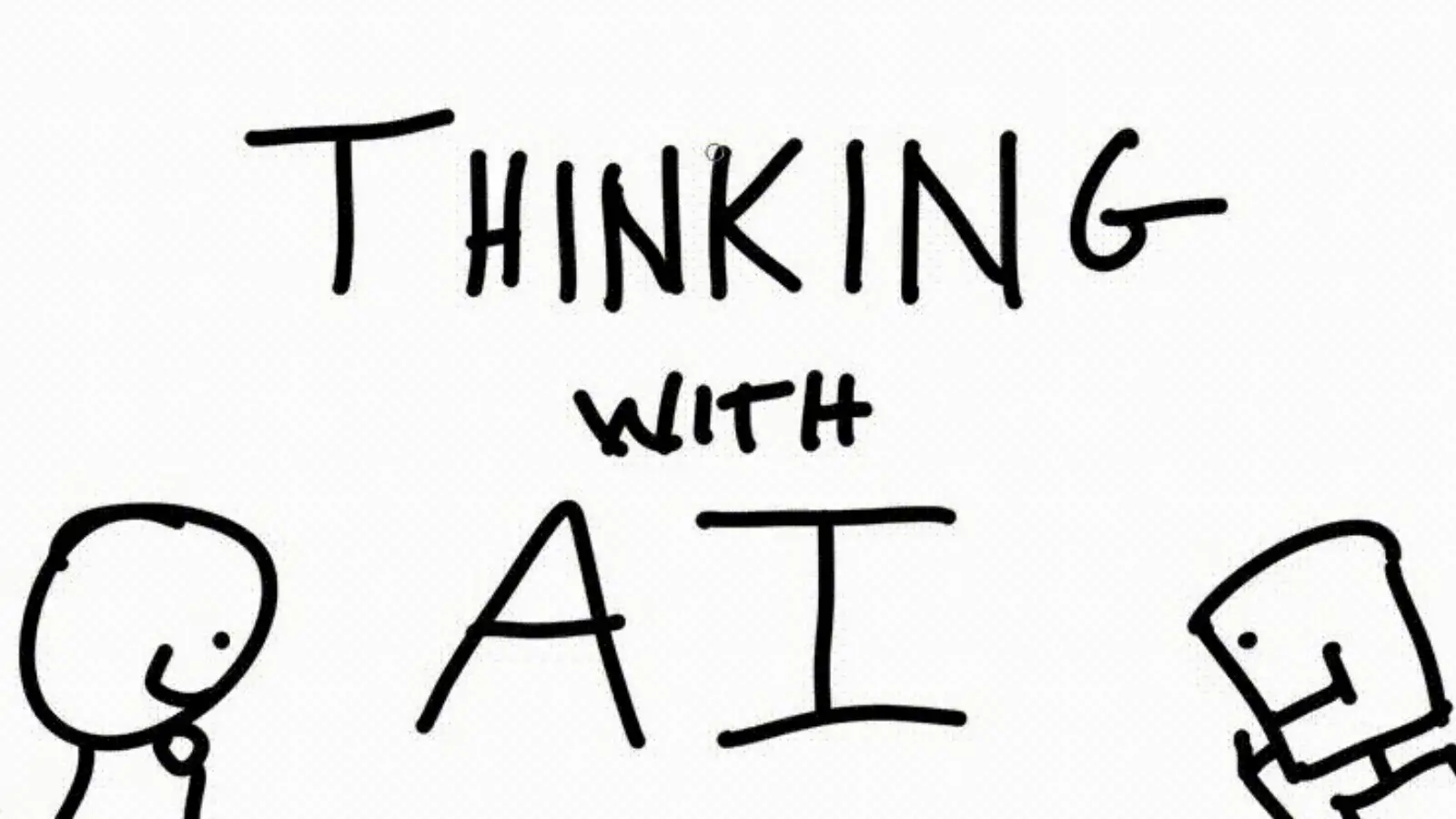
The central idea was to use AI as something to think with—not just somewhere to retrieve a quick answer.
This was the same idea I later developed in my book, Thinking with AI. The model becomes more useful when the conversation includes your real context, when you ask it to compare sources, and when you keep questioning the answer instead of treating the first response as finished work.
Show the connected capabilities
The middle of the deck moved through practical capabilities: image analysis, cross-referencing, computer code, media generation, documents, real-time information, writing and text transformation, and conversational voice. I included medical, legal, and financial examples too, but marked those as areas where verification and professional judgment matter.
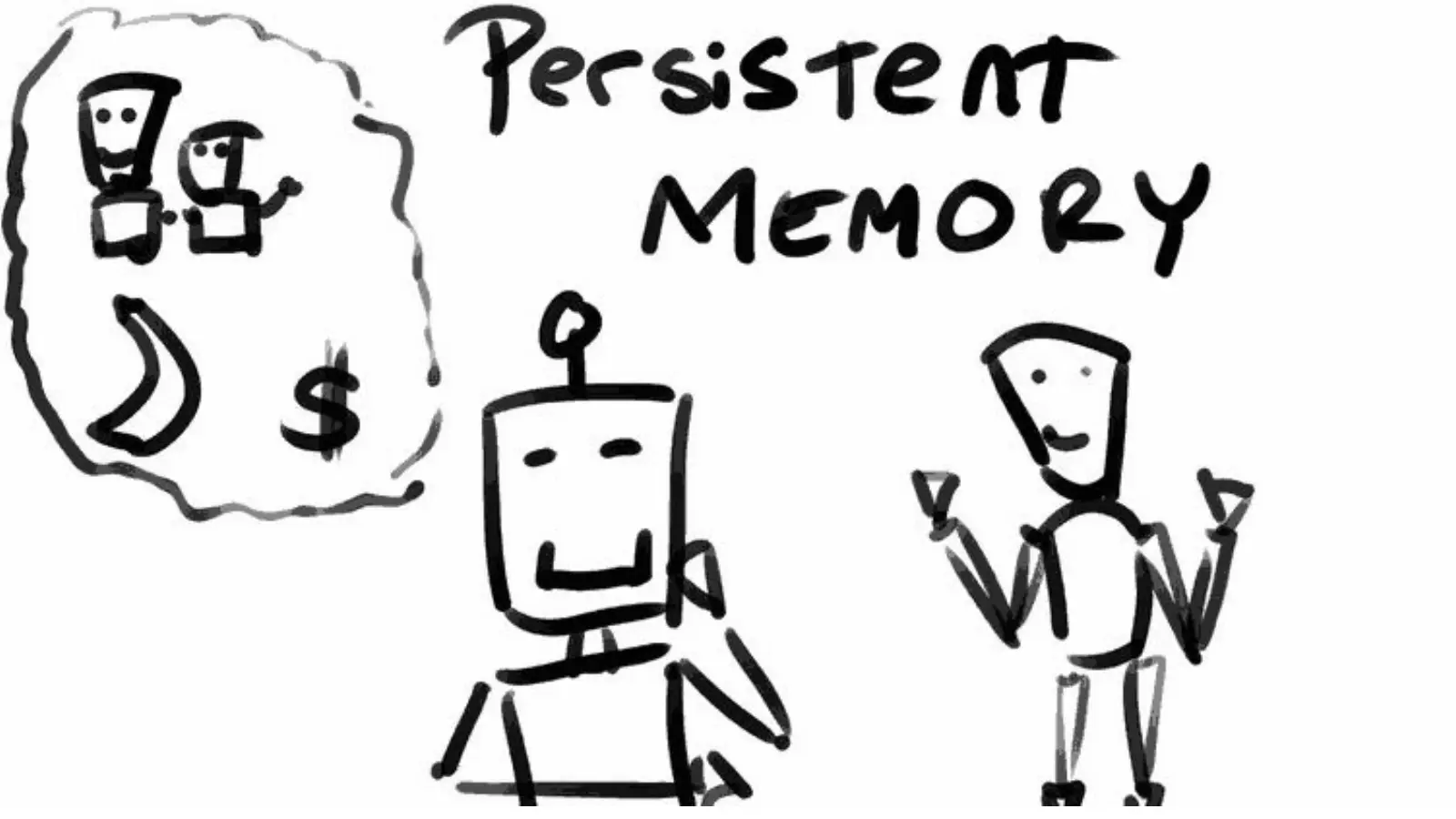
Persistent context changes the relationship from a sequence of isolated prompts into an ongoing working conversation.
Persistent memory was an important part of that map. Once the system can retain useful context—your goals, preferences, projects, or recurring constraints—the interaction starts to feel less like using a search box and more like returning to an ongoing working session.
The deck
The complete 35-slide presentation is available here: Download AI that Works for You — Rotary Club of Kirkwood (PDF) .
The slides are intentionally simple. They gave me visual landmarks while leaving room to talk with the audience, change emphasis, and answer the questions that surfaced in the room.
What this demonstrates
This is the kind of technical communication I enjoy: understand the audience, find the useful starting point, explain enough of the system to make it less mysterious, and connect the simple first experiment to the larger set of things the technology can do.