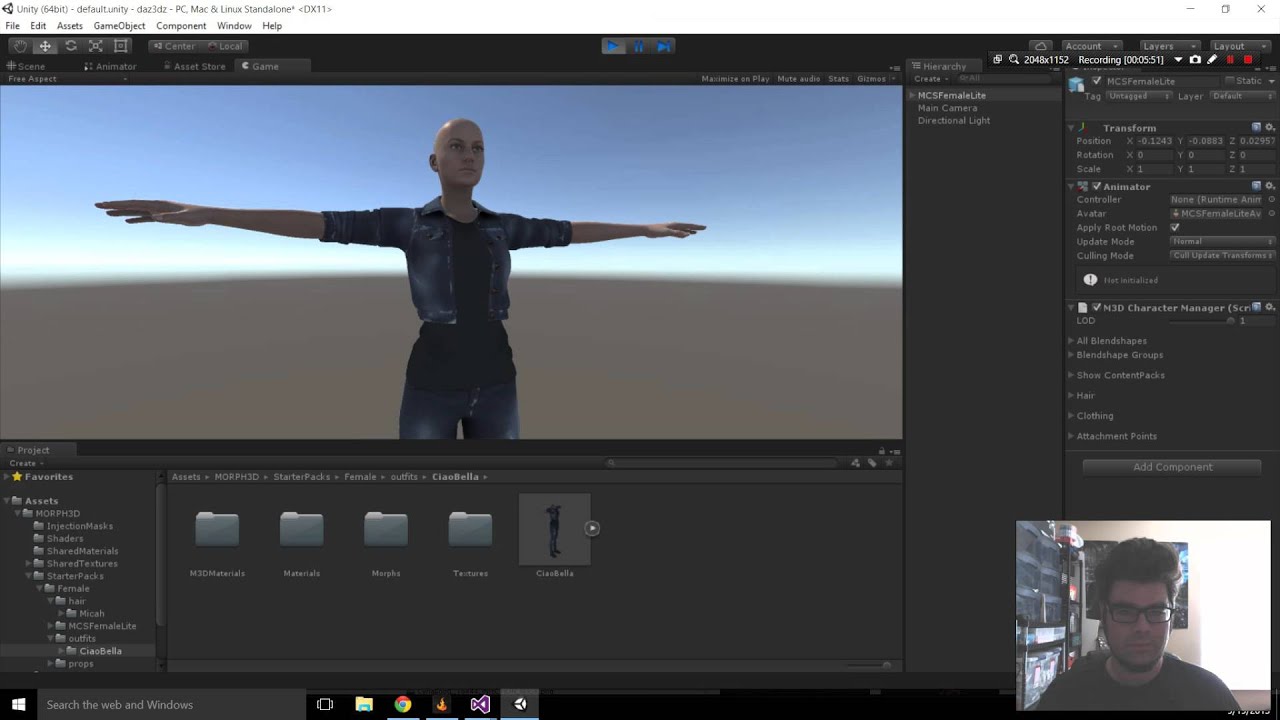
The package was easy enough to download. The confusing part started after that: a pile of unfamiliar files, a new vocabulary, and no obvious route to a character you could use. That was the part I wanted to help with.
Why I made this
MCS Female Lite arrived as an asset package with its own structure, terminology, and setup assumptions. A new user could successfully download it and still have no clear answer to the immediate question: what do I do with these files inside Unity?
I focused the tutorial on that exact gap. In nine minutes, I show the real editor, move through the initial setup, and get the asset to a state where a developer can begin experimenting instead of reverse-engineering the package.
The onboarding path
I move from acquiring the package to importing it, identifying the pieces that need configuration, and reaching a character the developer can continue working with.
A complete feature tour would have been longer and less useful to someone blocked at step one, so I stopped once the character was ready for the viewer to keep experimenting.
What changed since 2015
The MCS/Morph3D and Unity workflows changed after I published this, and newer character setup became easier. I added that warning to the original video description and I’m keeping it prominent here.
I’d rather tell you plainly that an old tutorial is old than let a search result send you through a workflow that no longer applies. Use this as a record of the work, not current setup documentation.
Looking back
- I found the gap between downloading the asset and knowing how to use it.
- I learned the package structure and Unity workflow well enough to teach the setup accurately.
- I chose a focused nine-minute walkthrough instead of an unfocused feature tour.
- I showed the real editor, files, and configuration rather than describing them abstractly.
- I clearly mark the workflow as outdated now that the product has changed.
This is pretty representative of the work I enjoy: learn the tool, find the rough edges, and show somebody else the shortest path through them. I was doing that in 2015, years before I started calling it DevRel.
Use this as an archive, not current setup documentation
I recorded this in 2015. The MCS/Morph3D and Unity workflows have changed substantially, and the video itself notes that newer character setup is easier. Use current platform and asset documentation for implementation.